New! Multiple Documents.
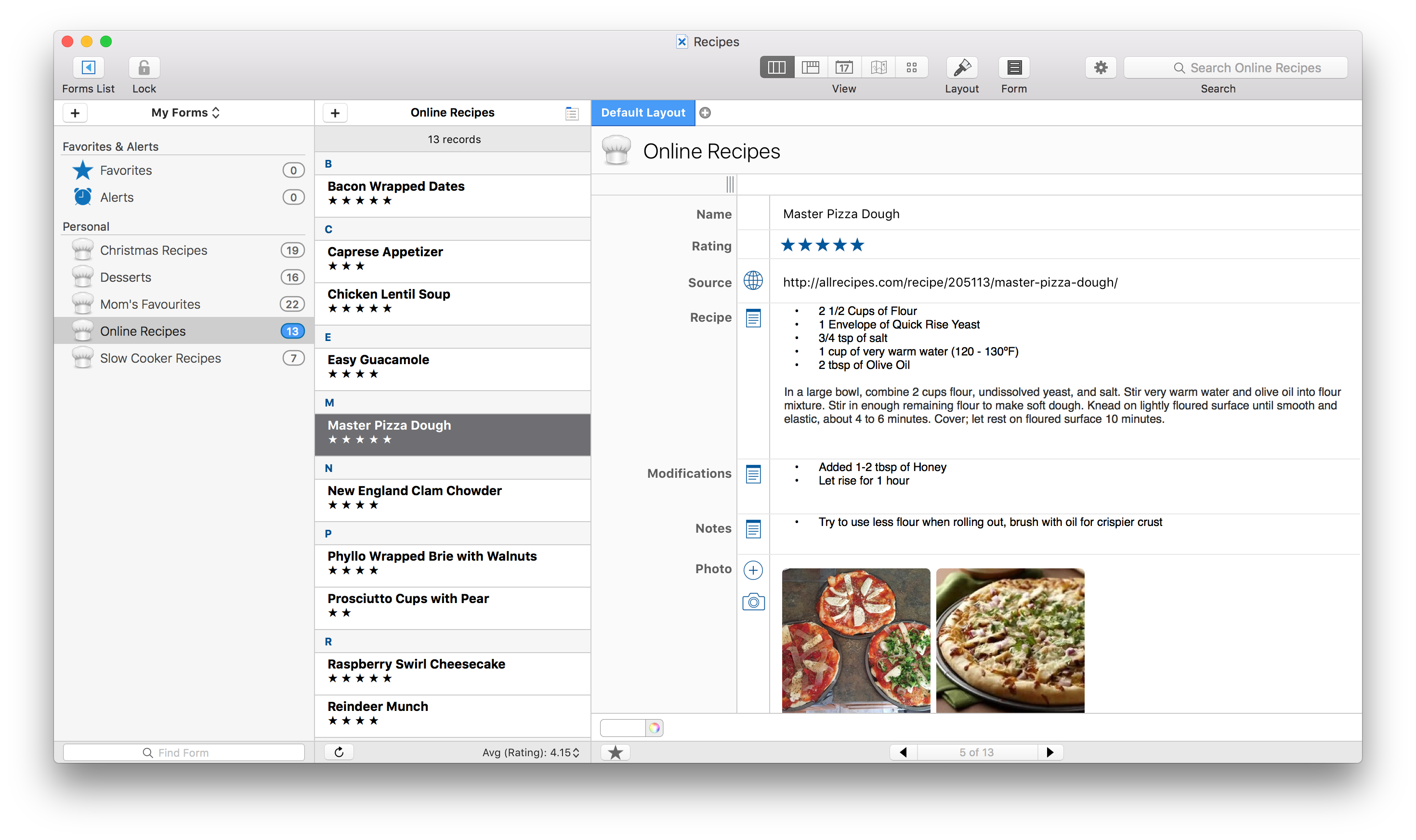
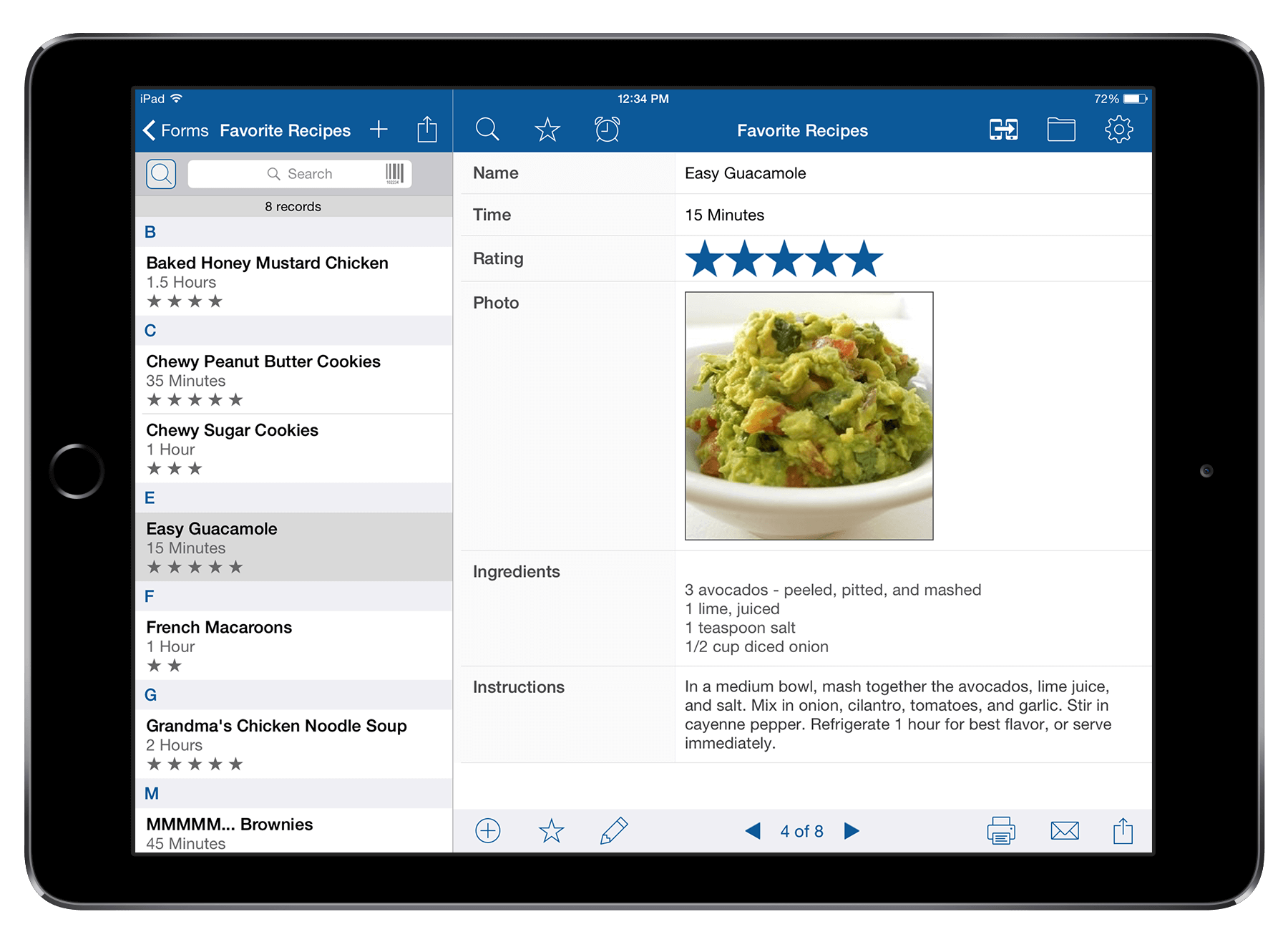
Tap Forms 5 now has a document based interface that allows you to keep your forms organized into multiple database documents. You can even sync each document independently of the others. So you can sync your family to-dos and movie library with your better half, and sync your work forms with your co-workers. Or you can keep some documents just to yourself and sync only with your own devices.
New! Nearby Sync.
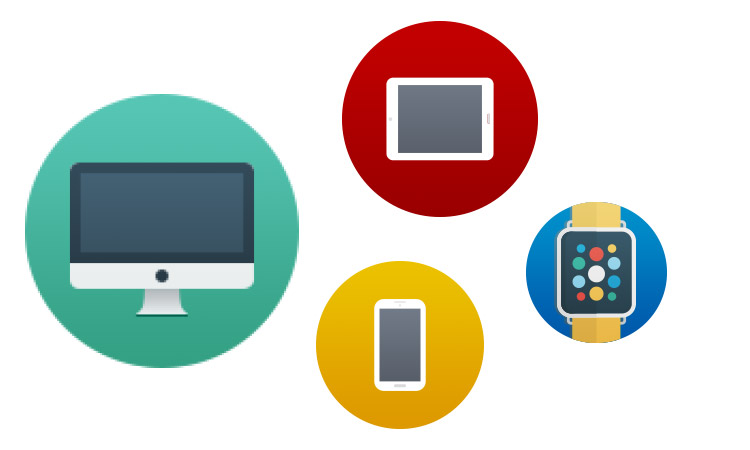
Using a brand new peer-to-peer sync system, you can now sync your devices without the cloud. Any device that's running Tap Forms on your own private network that has the same document open at the same time can sync effortlessly. As you make changes on one device, those changes are automatically synced to your other devices.
New! Automatic Cloud Sync.
Syncing with the cloud just got a whole lot easier. Tap Forms 5 now uses IBM Cloudant to provide you with fully automatic sync in both directions. That means if you're out and about and make a change on your iOS device, when you get back to your Mac, those changes will already be there. And if you make changes on your Mac, those changes will automatically appear on your iOS device after a few moments.
New! Photo Grid View.
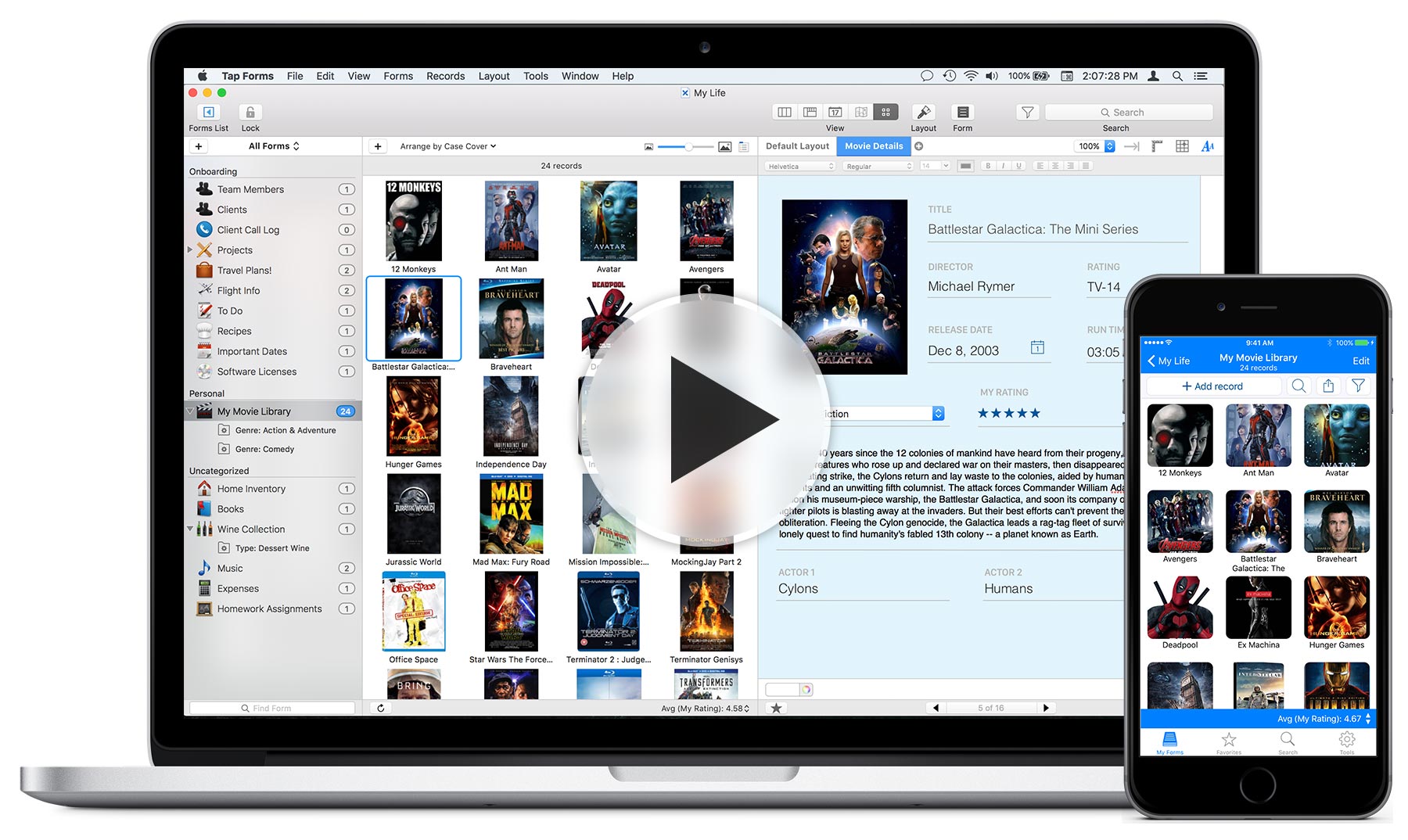
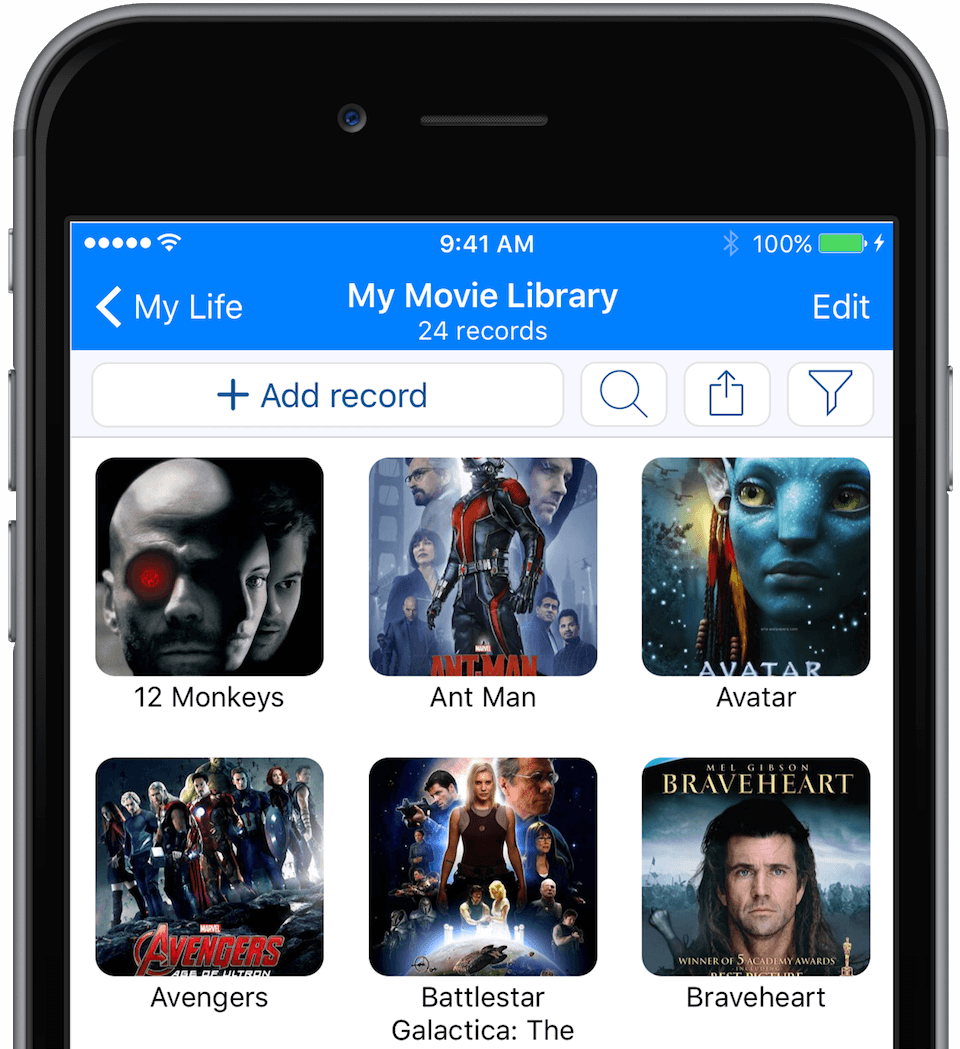
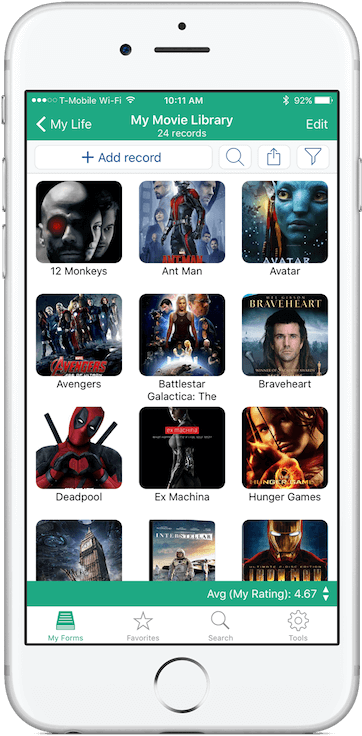
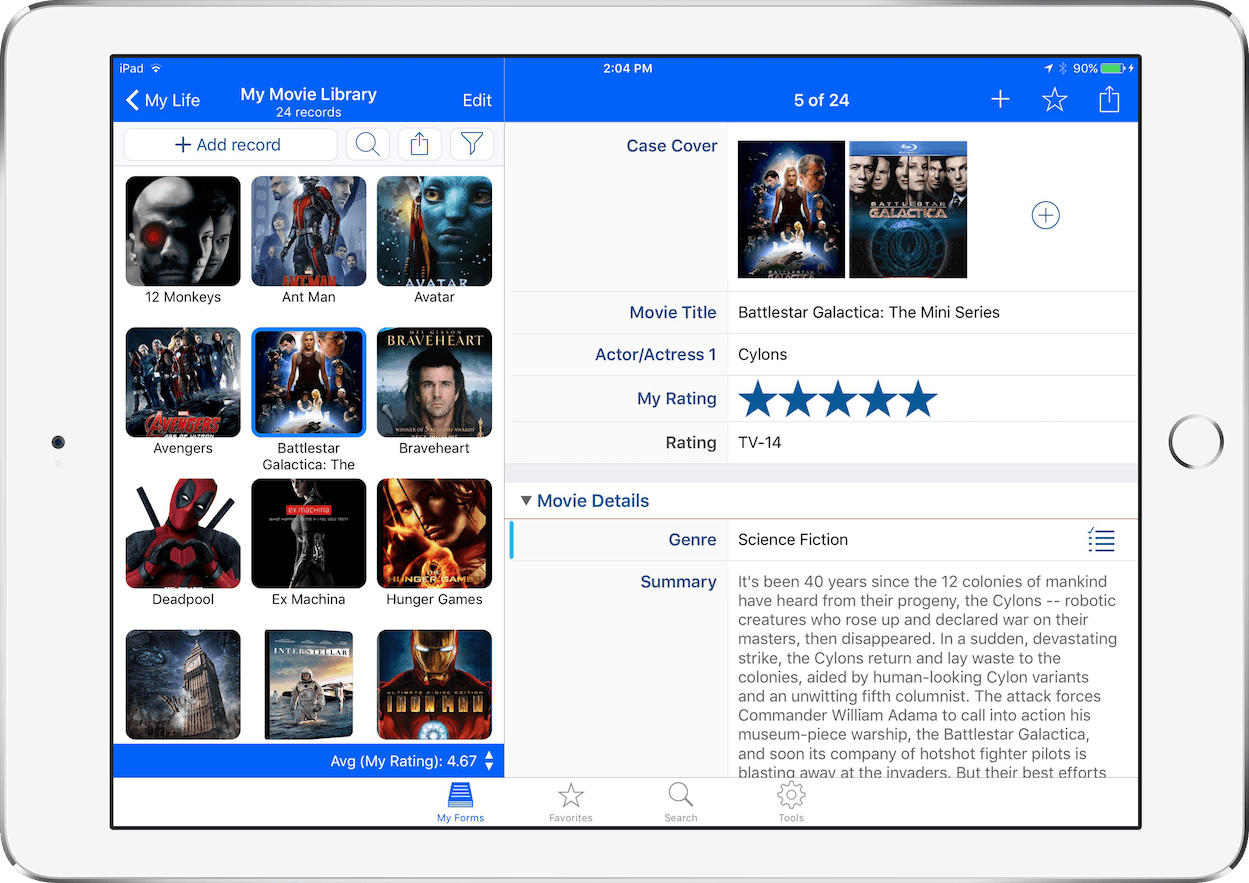
The new Photo Grid view for iOS and Mac let you see your records in an all new way! This is perfect for organizing your movies, music, books, or art collections! Or really any kind of data that has photos attached to it. It's perfect for real estate agents too!
New! World Map View (Mac only).
The new World Map view enables you to see your locations plotted on a world map all at once. Each point on the map represents a location associated with the records in your form. You can even filter your records by area, view a standard map view, a satellite map view, or a hybrid map view.
New! Calendar View (Mac only).
The new Calendar view makes it easy to see how your records are organized by date for the displayed month. You can easily see your records grouped into each day, switch from month to month and filter your records by day or by multiple days.
New! Signature Field.
The new Signature field type was designed specifically to make it super easy to capture and display signatures on your iOS devices. And with sync enabled between your devices, the Mac version will display the signature on your record moments after you've captured the signature on your iOS device.
New! Improved Search.
Now you can search for records that match Any or All of the search rules specified. You can also search for records with dates that occur on or before today or on or after today. Great for keeping up with things to do.
New! Themes.
On Mac you can choose between a light theme and a dark theme. On iOS you can choose from a wide variety of colours for the navigation and tool bars.
New! Enhanced Pick Lists.
Pick Lists can now be displayed as either single-value popover views, multi-value popover views, combo boxes with auto-complete, or regular pop-up buttons (Mac only). A Pick List can also now be configured to obtain its values from a field in any form. The values available in the Pick List are automatically updated as you enter data into the field specified.
New! Multiple Photos.
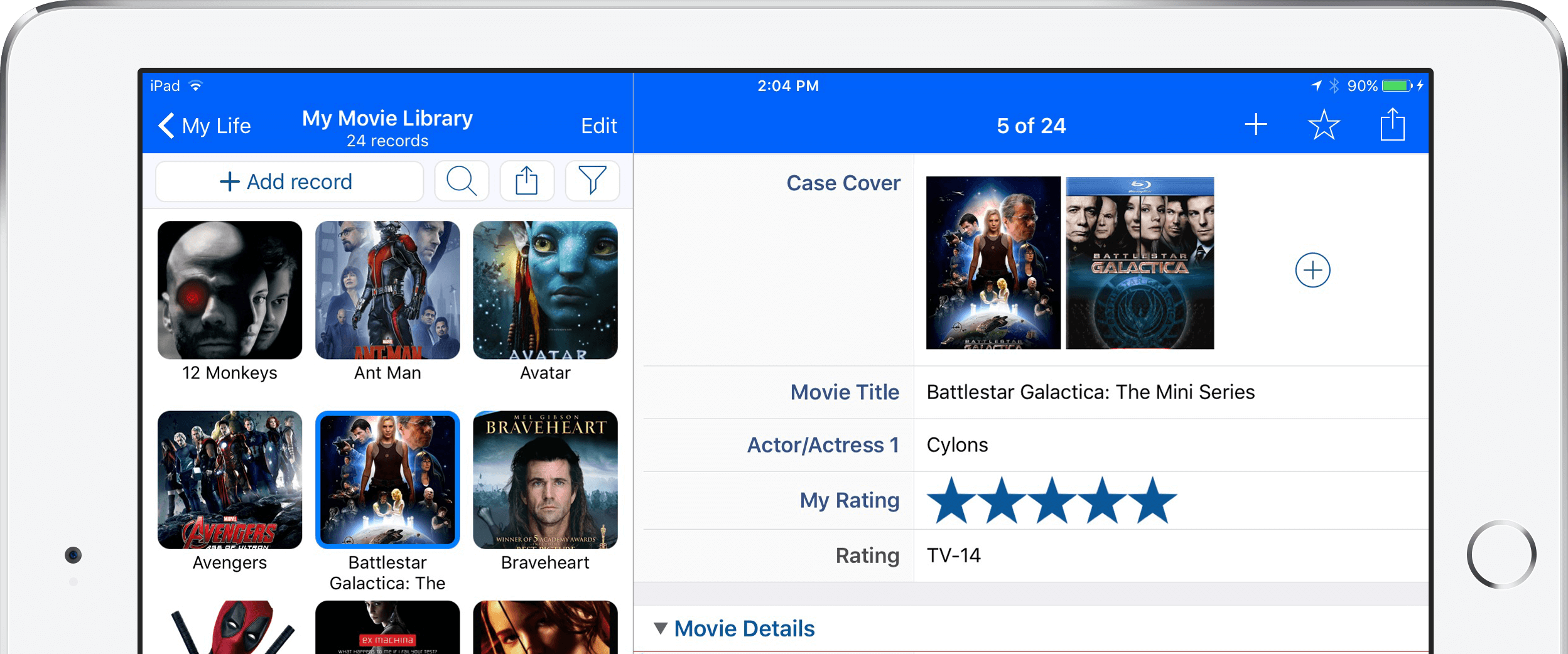
For each Photo field, you can now add multiple photos to the same field. No more need to create a new field for every photo you want to add to your form.
New! Share with Nearby Devices.
It's like AirDrop for databases. Just pick a database document, click the send button and choose another device that currently has Tap Forms running and send away.
New! Encrypt file attachments.
Now you can encrypt not only the data within your database, but also your photos, file attachments, drawings, and audio recordings.
Spreadsheet View.
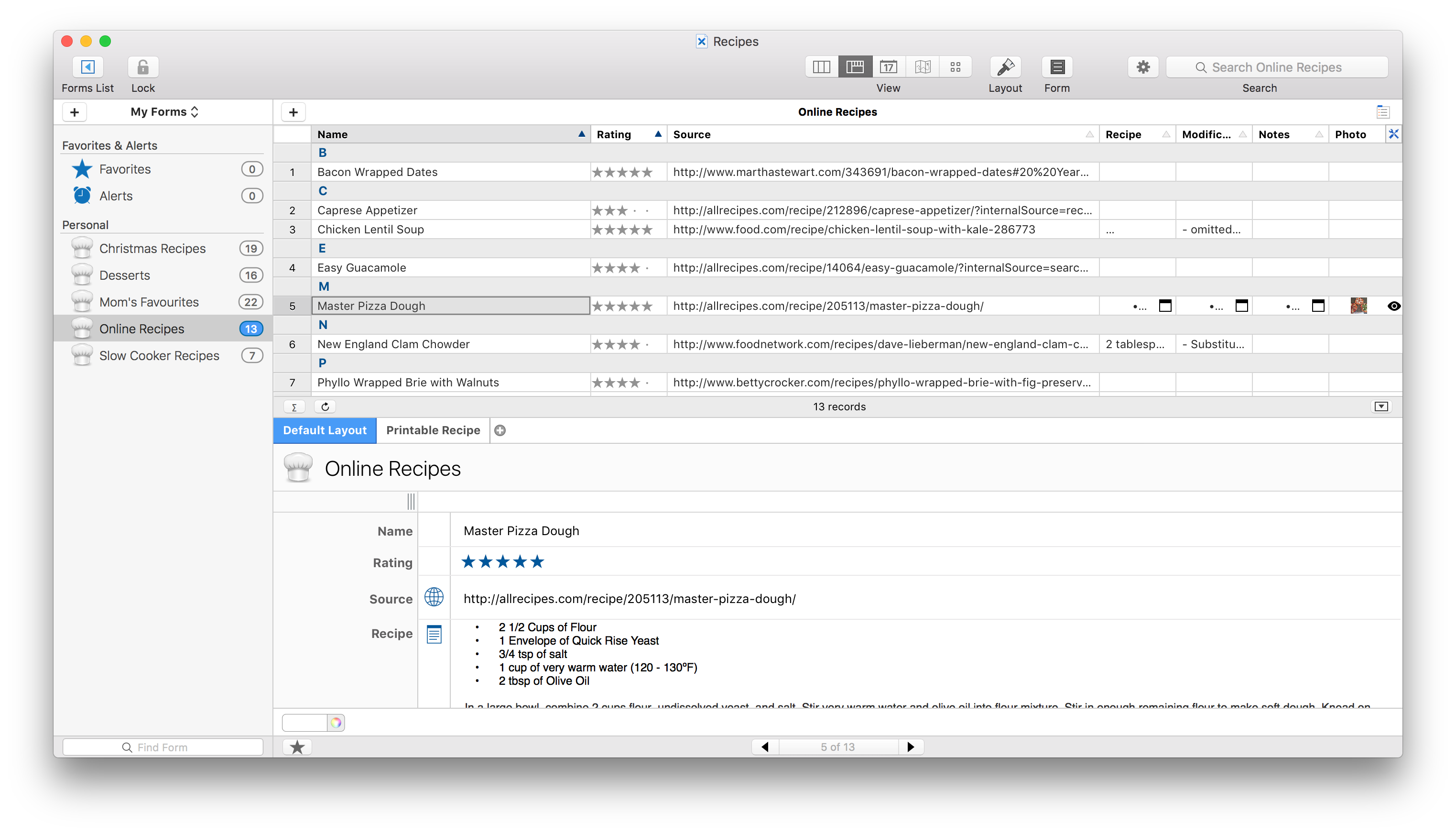
Enter your data faster than ever using our spreadsheet-style view. Click a cell in any row or column, and you can type and tab your way to the next field. You can also quickly duplicate values across fields by clicking and dragging to other cells.
Backup and Restore with Ease.
Tap Forms offers built-in support to help you quickly and easily make complete backups of your data. Best of all, backups are compatible across all versions of Tap Forms, so you can make a backup on your Mac and later restore the backed up data on your iPad or iPhone.
Import and Export.
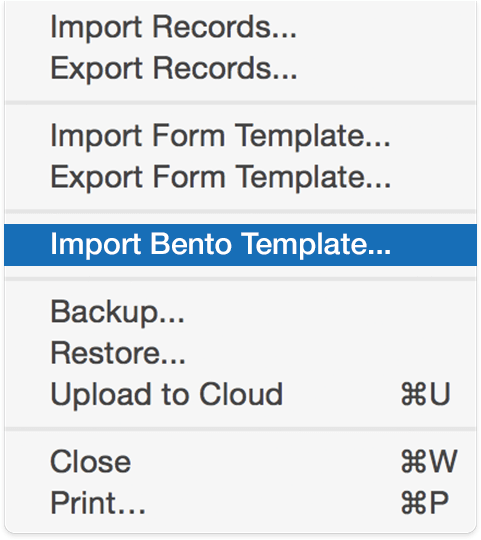
Import from Bento, Taap Forms archives, Excel XLSX files, and CSV files. Tap Forms supports a wide variety of file encodings, date and time formats, and column delimiters, making importing and exporting data files a breeze. Add Tap Forms to your daily workflow and see for yourself!
Integrated Barcode Scanning.
Tap Forms for iOS supports barcode scanning for both data entry and searching! Using the open-source ZBar scanning library, Tap Forms currently supports the following barcode formats: EAN-13, UPC-A, UPC-E, EAN-8, Code 128, Code 39 and QR Codes. Additional symbologies will become available as they are added to the ZBar library.
Keep Your Data Safe.
Storing confidential data? Want to make sure no one can access your data while you’re away from your desk? You can set Tap Forms to auto-lock when you’ve been idle for a set period of time and can even require Touch ID or Face ID to access data on your iPhone or iPad.
Advanced Calculations
With an advanced formula editor, Tap Forms allows you to create custom formulas for your exact needs. You can also have Tap Forms display an aggregate calculation from a set of records in order to get totals, averages, minimums, or maximums from a set of records.
Custom Reports (Mac Only)
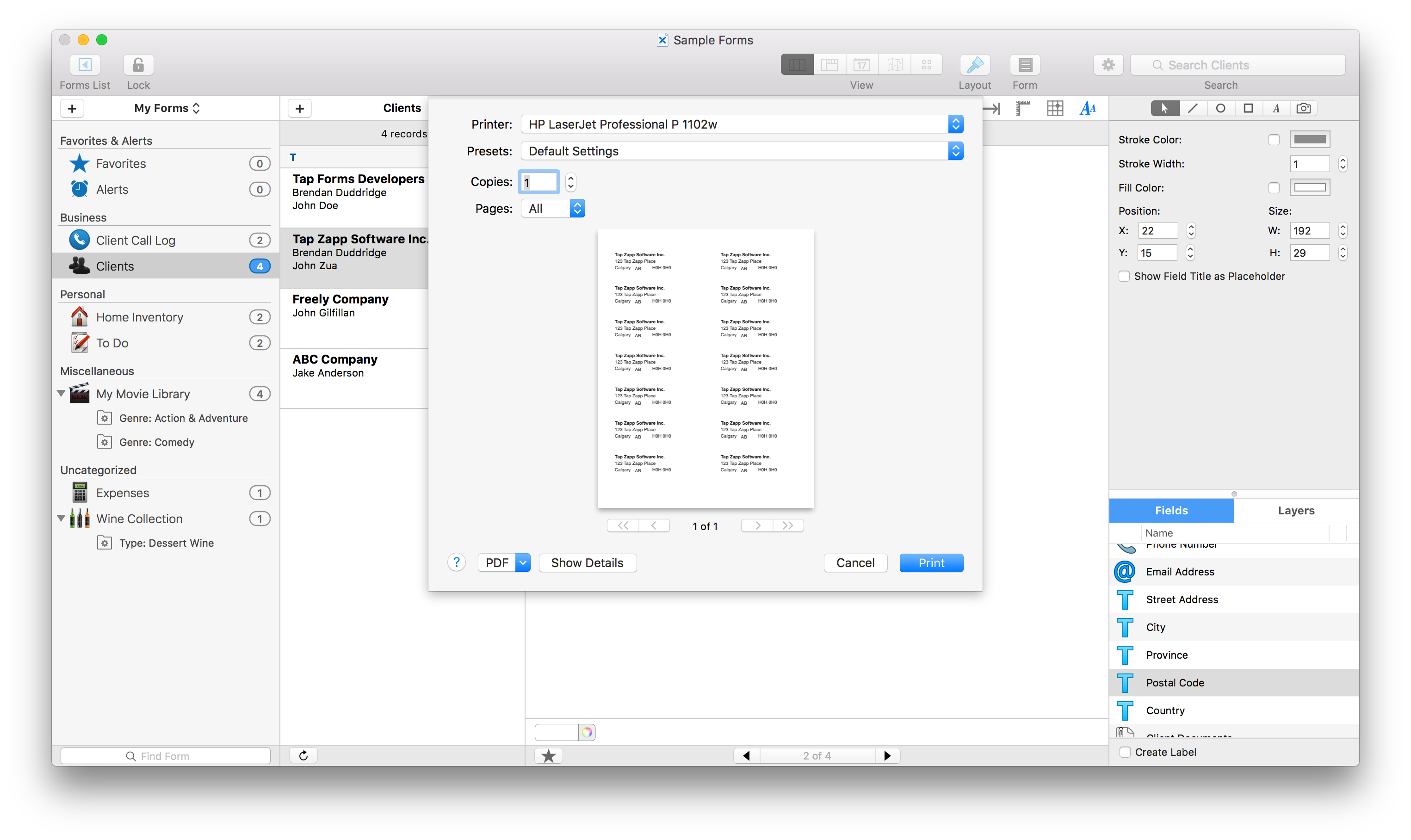
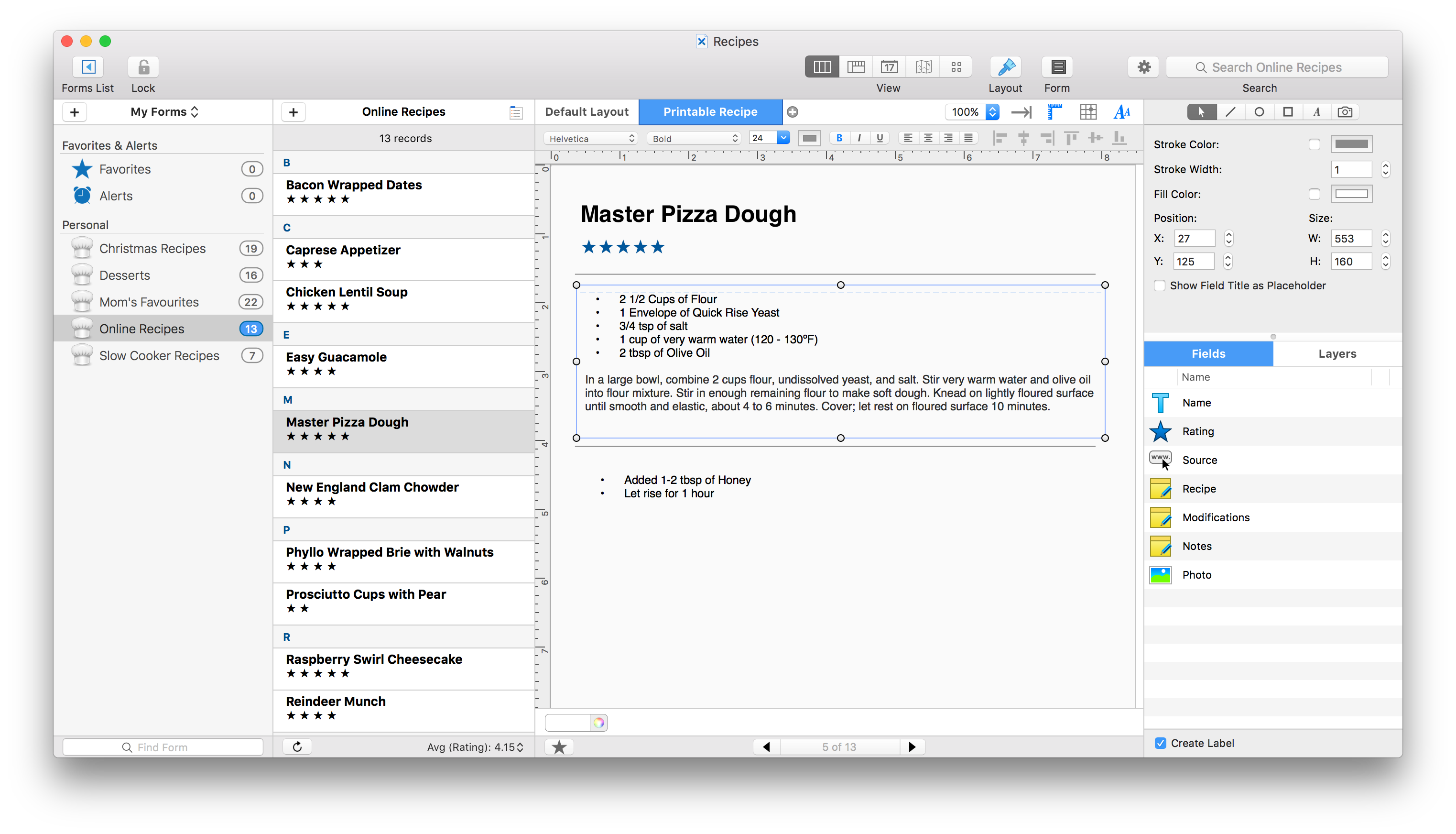
Print reports in a variety of formats, including tabular, default, and custom layouts. Print settings can be saved to any number of print presets.